New in 2.0.0
Make Suikakeibo your own with custom backgrounds and card designs
Hello! I’m Maik, the developer of Suikakeibo. Thank you for using my app!
Just in time for Golden Week in Japan, I’m excited to introduce two highly requested features that make your cards feel more personal than ever.
🎨 Make it yours with custom backgrounds
You can now set your own images as backgrounds for your cards!
Whether you’re a collector who wants to showcase real card designs, or just want to give your app a personal touch, this feature is for you. Use a photo of your actual transit card, a favorite pattern, or any image you like.
It’s your collection — now it can finally look like it too.
To make use of this feature, you need to be a Premium user:
- Open the history of the card you like to customize
- tap the three dots in the top right corner of your card to bring up all options
- just as with color, you can now choose a custom background
This feature is currently in beta. Reach out with your suggestions to improve it.
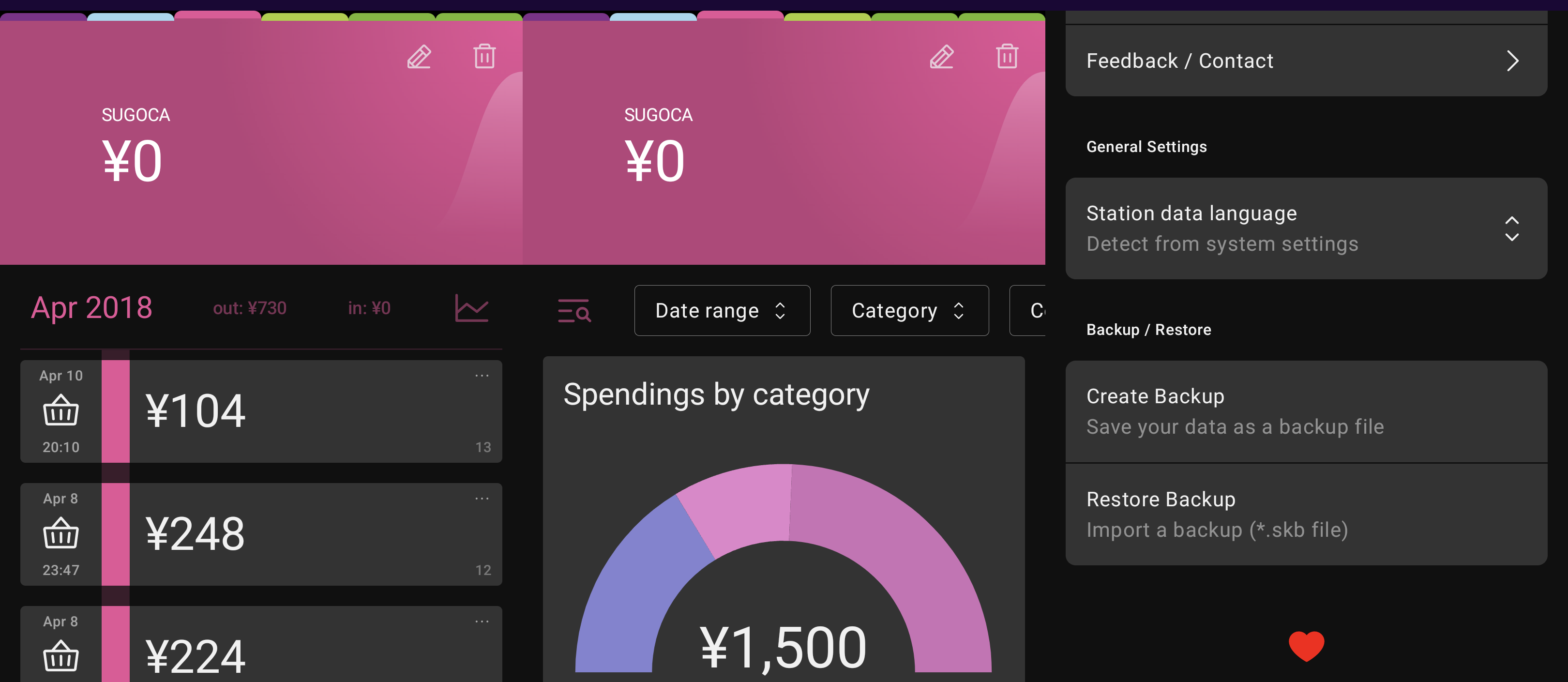
Here’s my card list with some backgrounds of my choice :)
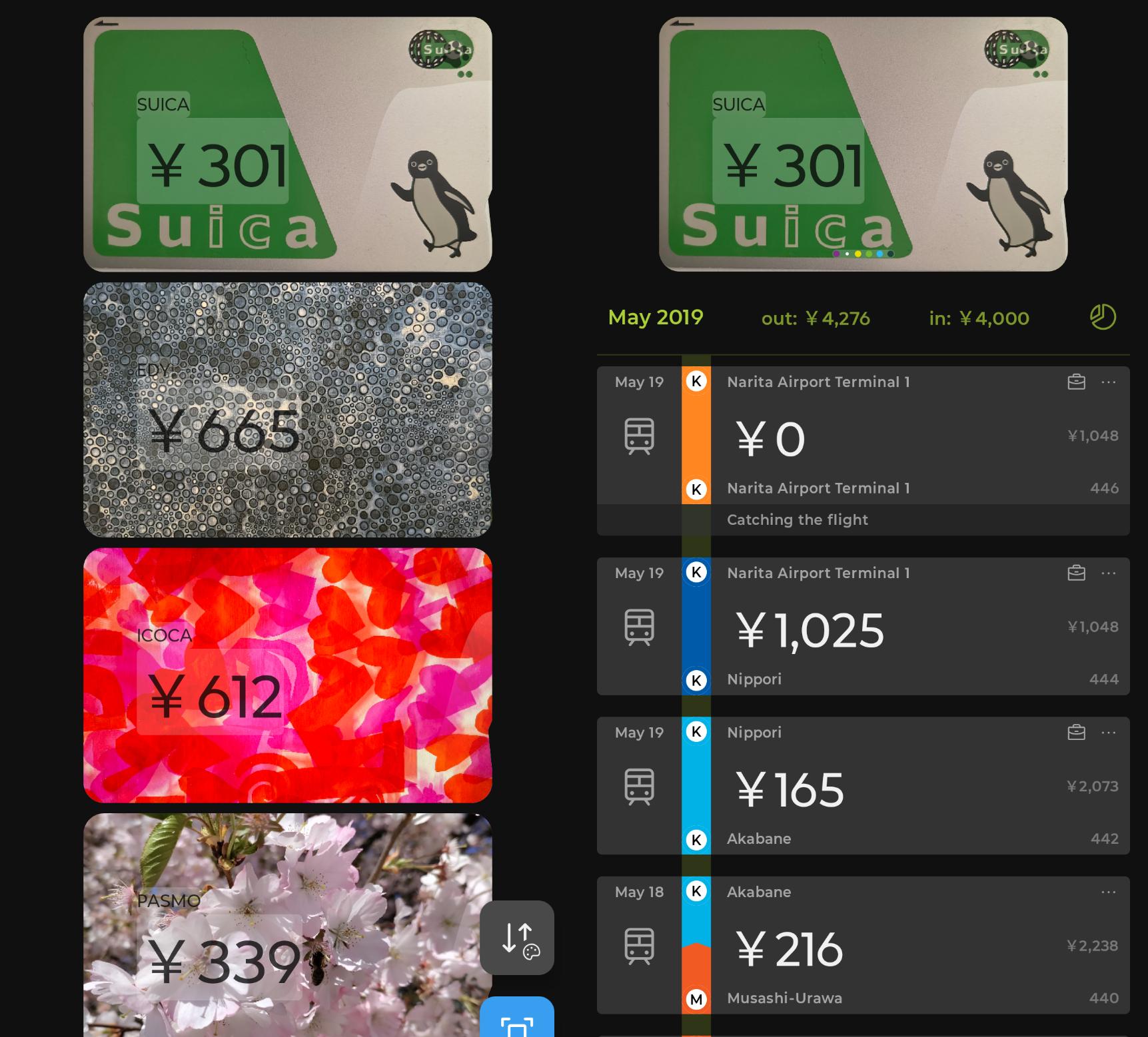 |
| My Card list and history |
💳 New: “Transit Card Design” option
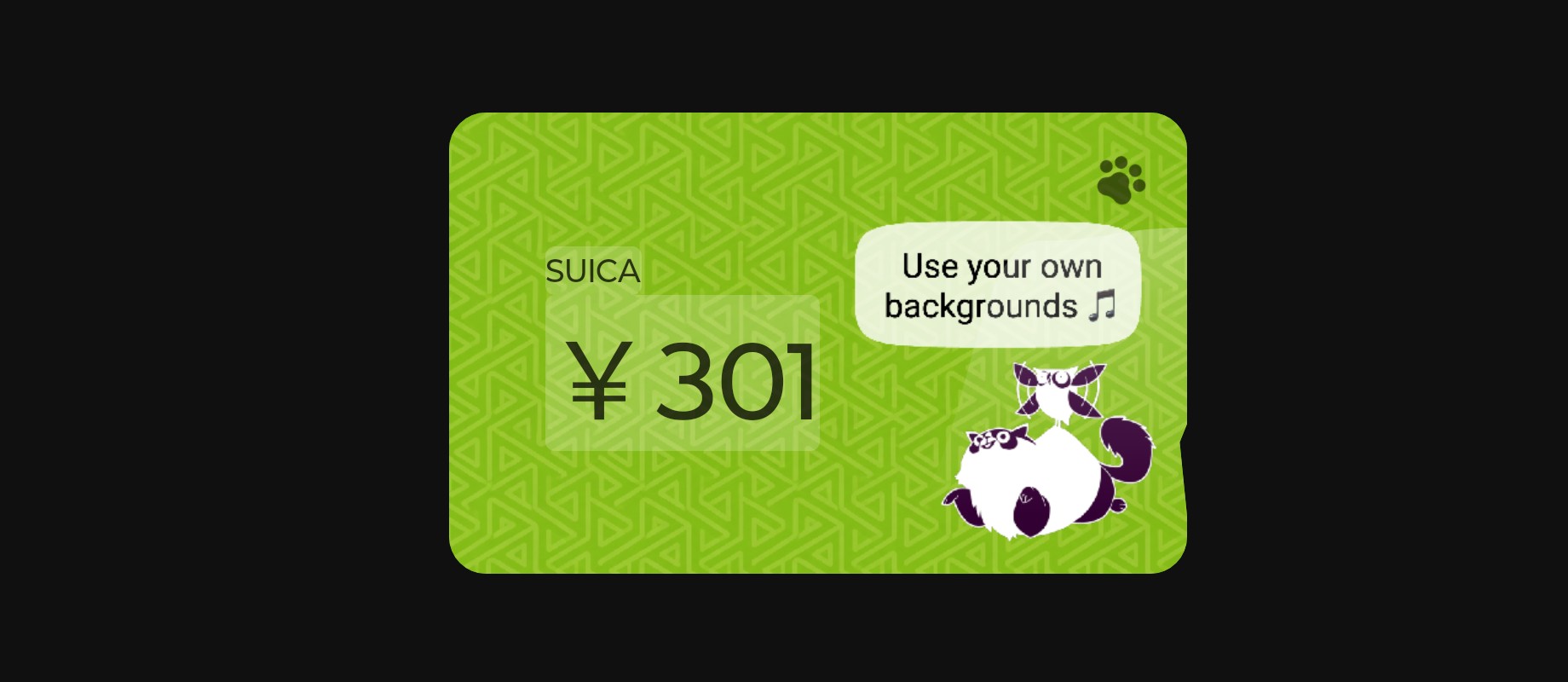
As you have noticed above, you can now choose how your cards are displayed to complement your custom backgrounds. This is available to everyone, free and premium users alike 🎵
In the settings, you’ll find a new option:
- Full Color (the current look)
- Transit Card Design (a more realistic, card-like appearance)
This makes your cards feel closer to the real thing — especially when combined with custom backgrounds.
⸻
Two big updates, just in time for Golden Week.
Hope you enjoy making Suikakeibo a bit more yours!